tag line

AKA ..... getting the maniacs to sit still

Sunday, October 31, 2010

Our Halloween in Wonderland!!

This year we started reading Alice in Wonderland when we started school. The kids loved the book and immediately decided they were going to dress up as characters from it for Halloween.  We rented all the Alice movies we could find and the kids picked who they wanted to be and told me how they wanted their costumes.
I of course put off sewing until about 2 weeks before we needed the costumes!

We'll start with the smallest...

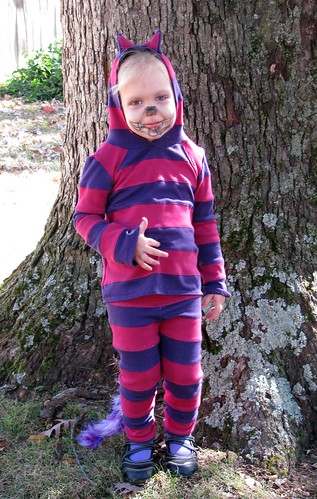
Anna the Chesire Cat

October 2010 004

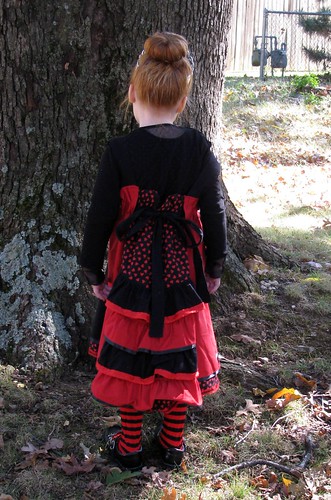
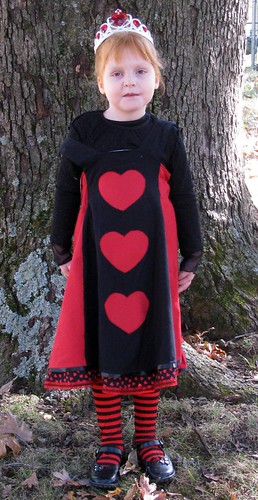
Avery the Queen of Hearts..... if you know her you'll giggle at how appropriate this costume is for her.

October 2010 011

October 2010 012

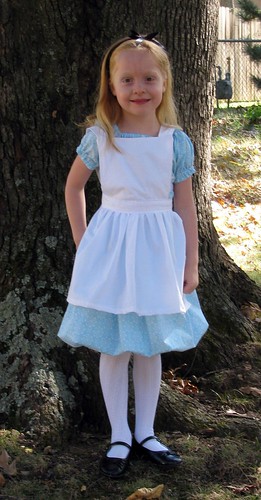
Sweet Sweet Audrey as  Alice

October 2010 013

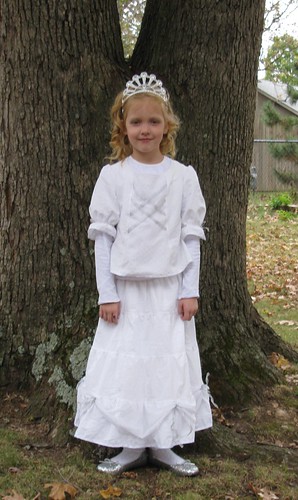
Amelia the White Queen

October 2010 042

October 2010 043

The White Rabbit :)

October 2010 006

October 2010 008

The Mad Hatter

October 2010 075


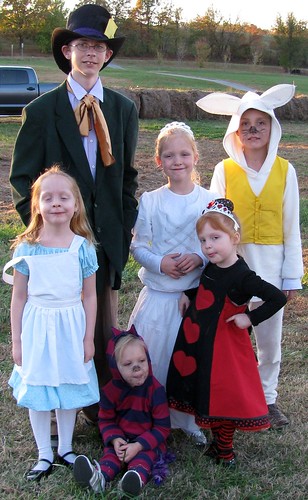
Group pic 1 I was the door-mouse... Joe and I were going to be Tweedle Dee and Tweedle Dum but he had to go out of town and I didn't want to do it alone :(

October 2010 076


Excuse Alice's face we realized later she didn't feel well :(


October 2010 080

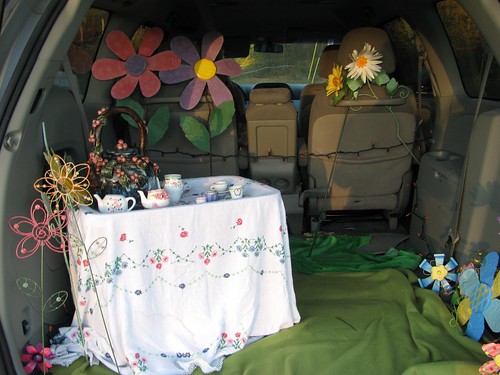
The kids even carried over the theme to our trunk for trunk or treat!!
October 2010 078

HAPPY HALLOWEEN!!!

Thursday, October 28, 2010

TOS Review PG Key

I was given the opportunity to review the PG Key.PG Key is a simple device that you plug into your computer that is supposed to limit your child's access to objectionable content.

PG Key can
  • block content
  • restrict PC access
  • set time restrictions
  • review sites visited
  • review chat in all forms
  • record up to 60 hours a computer activity
My experience with PG Key:

Setup was easy and done within 5 minutes. You do have to set up a separate account for your children to use with this program. After installing I tried to Google some things that I wouldn't want my kids to see. I didn't have much problem getting search results. Inappropriate images appeared in the search screen as did inappropriate links. I tried clicking on one of the links (very hesitantly I might add lol) and it did indeed block the actual page although it did not stop the preview images and content from appearing.
The other thing I should mention is it only works if you use the PG Key search box. This is the first of many grievous errors in the program I believe. If you have a good teen who doesn't WANT to view inappropriate things that is great. We all know though that teens get curious and what we really need is something that blocks it no matter how they search for it.

The program also allows you to add words you don't want your child to search for. However it does not block these words from being searched for it merely alerts you by email if they do it. OK fine but by that time the damage is done. Those images your child has seen cannot be erased. This is simply unacceptable for a filtering program.

Features I like are:
Time limits. We have a no more than 1 hour on the computer rule so it's nice to have the PG key enforce it rather than my nagging ;). They can't argue with the computer or beg for 5 more minutes PLEEAASE!
The feature that allows you to select only certain websites for your child to visit is great too but also available with your Windows security.
The one unique feature I found is that you can watch a recording of your child's activity. This however isn't useful for me because I don't allow my kids to use any computer unless I'm in the room and they are locked at all other times, I can see though how that would be nice to have.

I will leave the PG Key on my computer. It is nice to have one more thing to protect my children, would I pay $50 for it though? Probably not.  

Honestly there is no good substitute for good parental supervision while children are using the internet. Our childrens minds and souls are far too important to trust with any filtering program.

PG Key  can be purchased here for $49.99

If your interested in other reviews of this program you can find them here

Monday, October 11, 2010

Talking Fingers Read, Write and Type


We have been reviewing an online program from Talking Fingers called Read,Write & Type. I have searched high and low for an appropriate typing program for my younger children that isn't hosted by a yellow sponge wearing square pants for years now to no avail. They are all either too hard, too boring or too expensive. Well let me tell you my search is over. This program is neither hard, boring or expensive.

This program combines typing, writing/spelling and phonetics in a visually intriguing way that leaves my kids begging to play. It has a great story line that engages the kids and moves at a pace that is slow enough for my younger children but fast enough that my older kids don't complain. It does move to a higher level somewhat quickly but my younger children will be happy to restart the program and go back to the beginning so I don't think that will be a problem ( they haven't gotten past where they can go yet but my older ones have :) )

The program is based on a story line where Righty and Lefty ( your right and left hand ;) ) work with your student to save all the letters from Vector the Villain. They go through each letter learning how to type it correctly, practice typing it, work on it's phonetics and listen to a story told by the letter. After they learn all the letters they move into more spelling/reading typing practice.  

The only real down side I see to this problem is depending on your child's diligence you may have to stay right by them to keep them from typing like this....

I have a couple that will hunt and peck if I don't watch and a couple that won't stray from the "proper" way no matter what ( even if it means doing redundant work they already know because it sayyyss to lol). For the record homeschooling Mom's to six children do not have time to dust ;)


All in all I think it's an engaging program great for the younger elementary, older preschool crew. I know we will continue to use this as our only typing program.

I also think this program is priced very well. It is $35.00 for one user, $55.00 for 2 users, $70 for 3 users, $85 for 4 users, or $100 for 5 users for a home license with a 5 year subscription.I for one think 5 years would be plenty of time for all of my children to complete the program so I would only have to purchase the subscription once. $100 for all 5 kids to learn to type well is a ok with me :)

To purchase this program visit the website here

To see other TOS crew reviews on this program just click here

I received no compensation for this review other than a free subscription to their program for the purpose of reviewing it.

Just an interesting side note... while I was typing this my 2 Kindergartners were looking over my shoulder at the pictures BEGGING me to play the "finger game"
Saturday, October 9, 2010

Sharing a little Sewing :)

I try not to blog constantly about sewing but sometimes it just can't be helped :) Every once in a while I like to do a big post with all of the things I've made recently :)

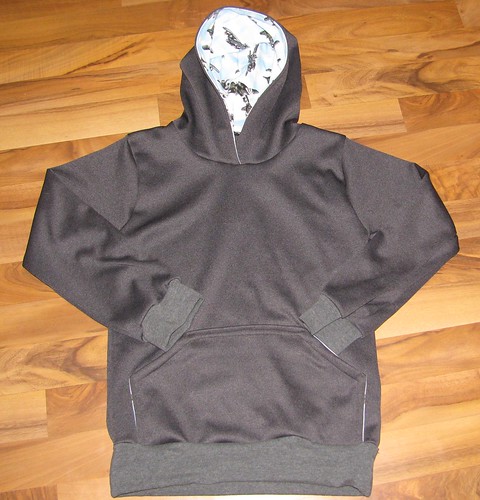
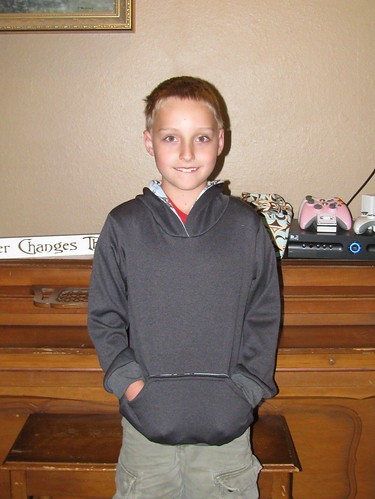
A Hoodie for Peyton

July 2010 004

July 2010 008

T-Shirt for Peyton

July 2010 010

Hoodie for Amelia which I take NO responsibility for the colors of... entirely her design ;).

July 2010 015

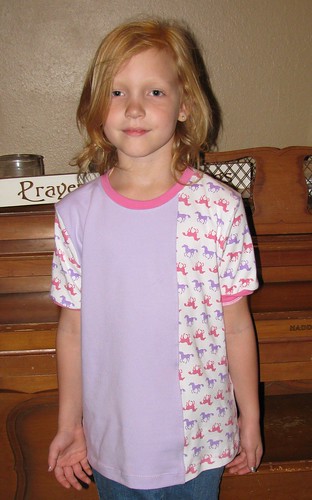
Horse shirt for Amelia

July 2010 002

Ballet Set for Avery

August 2010 007

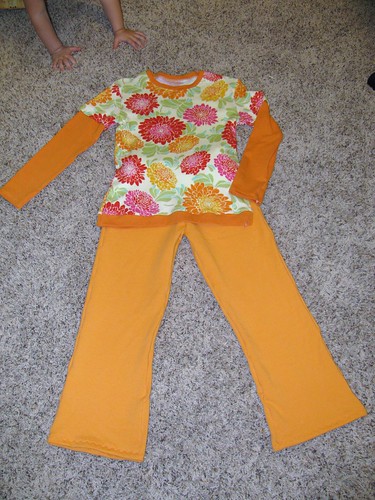
Set for Amelia ( it really does match in person)

September 2010 003

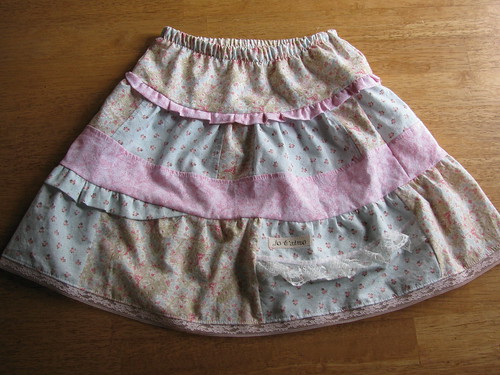
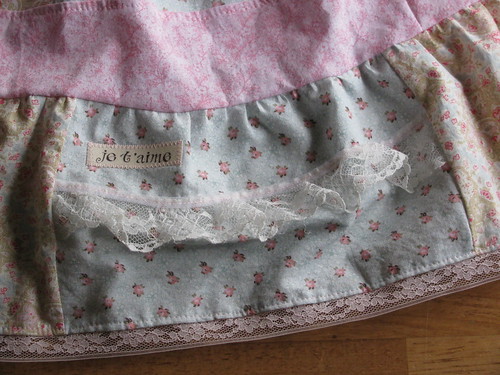
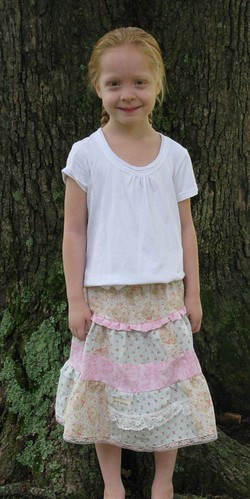
Skirt for Audrey

September 2010 014

September 2010 013
September 2010 007

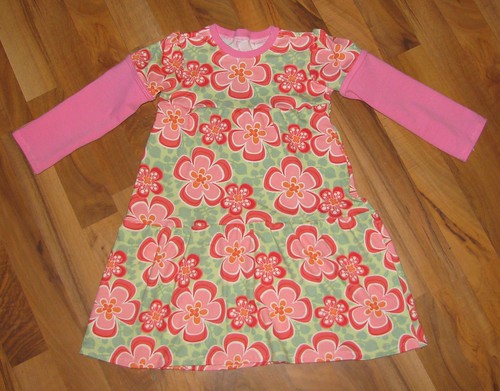
Dress for Annabelle

September 2010 002

September 2010 007

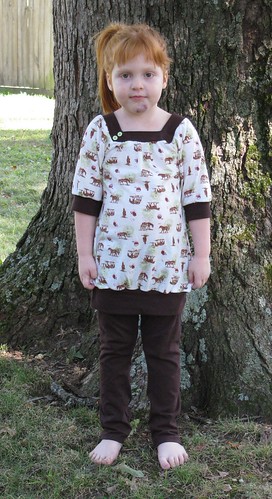
Horse Tunic and Leggings for Avery

October 2010 002

She fell off the stool onto the tile floor.... unfortunately her chin caught her :(

October 2010 005

Birdy Tunic for Anna

October 2010 012

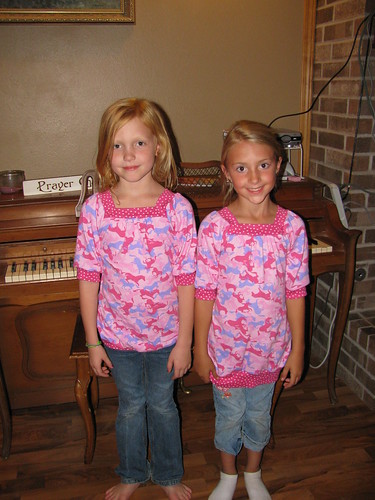
Matching Tunics for Amelia and Lindi

October 2010 001

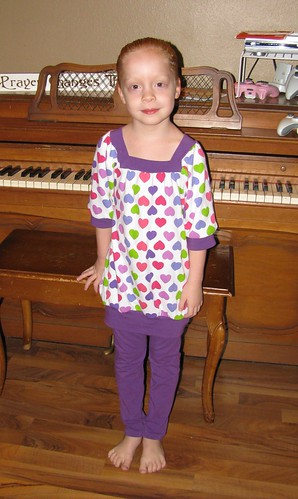
Heart Tunic and leggings for Audrey 

October 2010 005

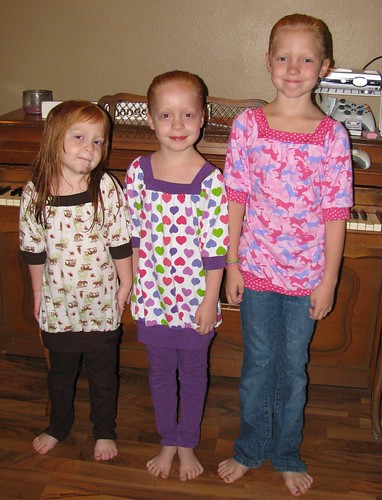
Cutenesses all together

October 2010 006

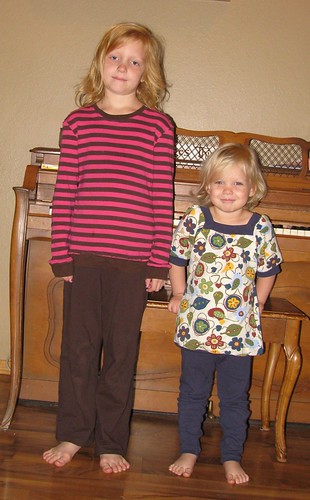
Comfy striped shirt and loungy french terry pants for Amelia (excuse her enthusiasm she was sick)

October 2010 005

Cross top and comfy pants for Audrey ... no one can take a picture with Anna around unless she's in it by the way.

October 2010 006

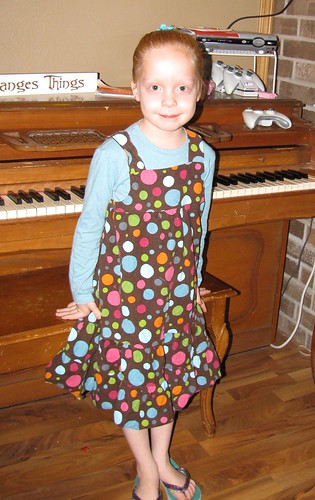
Fun dotty corduroy jumper for Audrey, I made leggings that match as well but it was too hot that day for them

October 2010 001

Whew that was a lot more than I thought it was going to be.... honestly there's probably even more that I forgot to take a picture of. 

Friday, October 8, 2010

Digital Frog Field Trip Series


I was given the opportunity to review a truly amazing program called The Digital Field Trip Series.


Let me start by saying this program is truly one of a kind. How many of us every get the opportunity to take our children to a rain forest? How about a Desert? The Wetlands? Yeah me neither.....
  With this program though your kids can explore any of these places. They can go to the rain forest, wander around, look at what interests them, learn how it works, see the animals and so much more! So much in fact we have barely scratched the surface of the field trips.
We haven't had the time yet to formally study the 3 field trips but my kids have truly loved going through them in their spare time. They have actually fought over who's turn it is to navigate through the field trip and who gets to decide where they go.
I actually had to threaten my son with going to bed hungry to get him to get off of it and eat dinner before bed! This says a lot for a 9 year old boy who would typically rather play the Wii than do anything that even smells remotely educational. I'm actually hesitant to schedule it lest he knows he's LEARNING ;).

This program is available for just $125 at the Digital Frog Website Here. If your like me you think JUST $125 BUT if you stop and think about it, chances are you couldn't feed your family for one day on vacation for $125 let alone go anywhere.
You can also purchase the Field trips separately for $60 each instead of the bundle of three field trips.

If your children are interested in animals, different ecosystems or just like going on field trips I would highly recommend this program for anyone who can read or has a parent willing to read for them!

The only real con I see in the program is there is a LOT of reading. I wish there was an option to have the text read aloud, it's a bit daunting for my 7 and 9yo to read it all and they tend to skip a lot rather than read it all.

To learn more about this program visit the Digital Frog Website at http://www.digitalfrog.com/

Also if your interested in reading more reviews you can see all of the other TOS reviews for this product HERE

The only compensation I received for this review was a free copy of the Digital Field Trips.